ELIGIBILITY



HOW TO ENROLL
Using your desktop or mobile, you have access to our online benefits enrollment platform 24/7. In your Hill Country Payroll portal you can:
- View and select benefits for yourself and dependents
- View per-pay-period amounts
- Submit qualifying events
- Add and edit beneficiaries and dependents
To get started, click on the link below to head to your enrollment portal!

QUALIFYING LIFE EVENTS
Your premiums for medical, dental, and vision insurance are deducted through a Cafeteria Plan established under Section 125 of the Internal Revenue Code (IRC) on a pre-tax basis. Under Section 125, changes to an employee's pre-tax benefits can be made ONLY during the Open Enrollment period unless the employee or qualified dependents experience a qualifying event and the request to make a change is made within 30 days of the qualifying event.
Under certain circumstances, employees may be allowed to make changes to benefit elections during the plan year, if the event affects the employee, spouse, or dependent’s coverage eligibility. Any requested changes must be consistent with and on account of the qualifying event.
Examples Of Qualifying Events:
- Legal marital status (for example, marriage, divorce, legal separation, annulment);
- Number of eligible dependents (for example, birth, death, adoption, placement for adoption);
- Work schedule (for example, full-time, part-time);
- You, your spouse, or other covered dependent become enrolled in Part A, Part B, or Part D of Medicare
- Death of a spouse or child;
- Change in your child’s eligibility for benefits (reaching the age limit);
- Becoming eligible for Medicaid; or
- Your coverage or the coverage of your Spouse or other eligible dependent under a Medicaid plan or state Children’s Health Insurance Program (“CHIP”) is terminated as a result of loss of eligibility and you request coverage under this Plan no later than 60 days after the date the Medicaid or CHIP coverage terminates; or
- You, your spouse or other eligible dependent become eligible for a premium assistance subsidy in this Plan under a Medicaid plan or state CHIP (including any waiver or demonstration project) and you request coverage under this Plan no later than 60 days after the date you are determined to be eligible for such assistance.


MEDICAL


NETWORK: BlueChoice PPO
How do I find an In-Network Provider?
- Use the helpful link below! In-Network providers can also be found on your provider’s website at www.bcbs.com under “Find Care”. Select "Find a Doctor or Hospital" and then you can search by provider/facility name or search by specialty. You can also use the link below.
Did You Know?
- Preventive Services are covered at 100% In-Network and copays & deductibles do not apply.
- You pay less out of pocket if you receive care from an In-Network provider.
- You do not need a referral to see a Specialist.
Your available medical plan is shown on the chart below!


Summary of Benefits and Coverage (SBC)
Looking for more details about how items are covered? Please refer to the formal Summary of Benefits and Coverage (SBC) below.

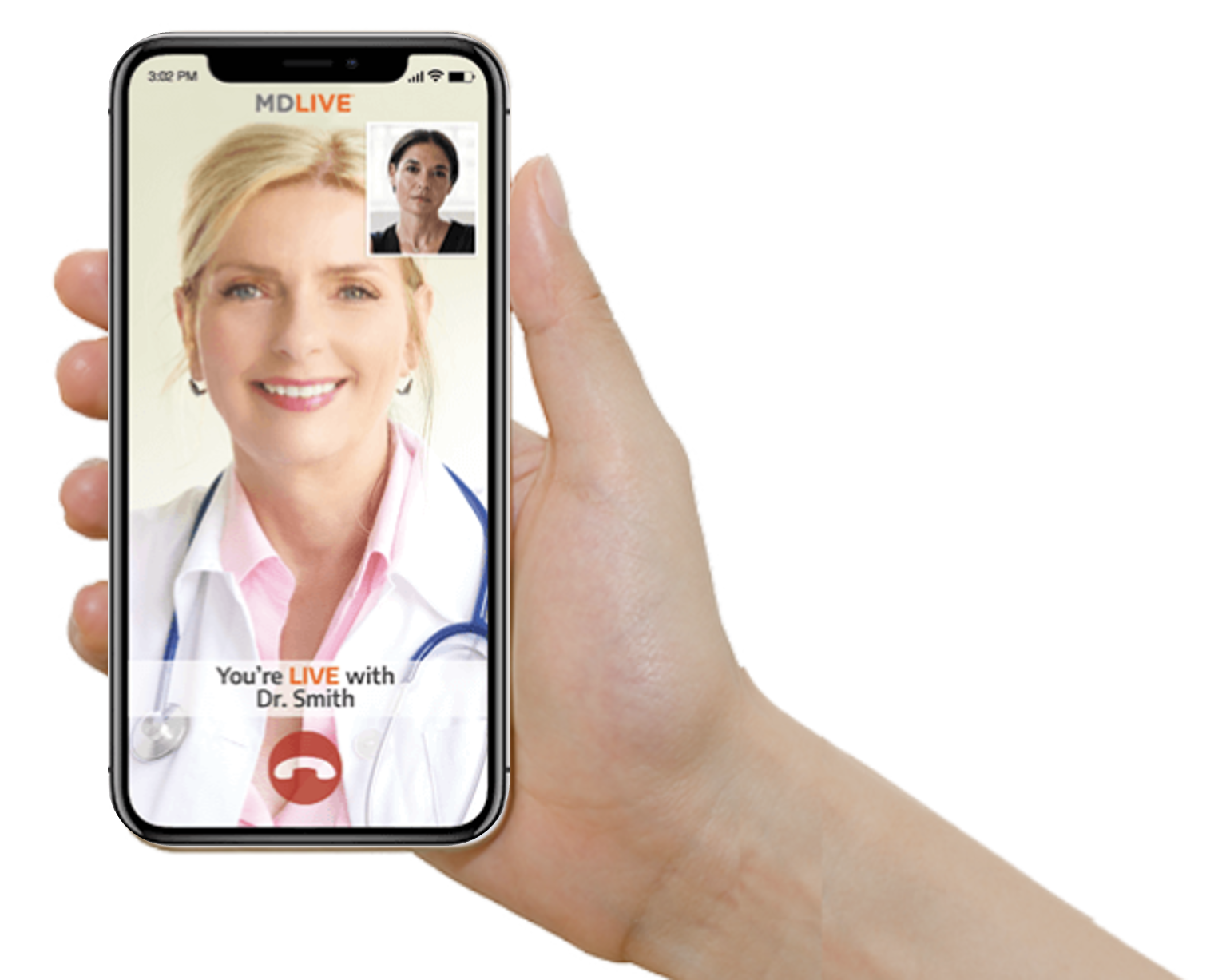
With Virtual Visits, the doctor is always in. Get 24/7 non-emergency care from a board-certified doctor by phone, online video or mobile app from the privacy and comfort of your own home. Don’t risk crowded waiting rooms, expensive urgent care or ER bills, or waiting weeks or more to see a doctor, when you can speak with a Virtual Visits doctor within minutes.
Virtual Visits, provided by Blue Cross and Blue Shield of Texas (BCBSTX) and powered by MDLIVE® , are a convenient alternative for treatment of more than 80 health conditions, including allergies, cold, flu, fever, headaches, nausea, sinus infections, etc.
Virtual Visits with licensed behavioral health therapists are available by appointment. Get virtual care for anxiety, depression, stress management, and more.
Having a Virtual Visit
You may want to have a virtual visit:
- Instead of going to the ER or urgent care for non-emergency visits
- If your doctor is booked
- While at home, work or on-the-go


EXTRAS FROM 
As a BCBS member, you have access to a plethora of services and resources!
This is only a brief description of some of the plan benefits. For more complete details, including benefits, limitations and exclusions, please login to your BAM portal.
Blue Access for Members (BAM)
Through Blue Cross Blue Shield - Login (hcsc.net) our secure member website, you can access health plan information, resources and tools. The information can vary, depending on your plan.
- Review benefits, account balances, claims status and more.
- Order a replacement ID card or print a temporary card.
- View and print an Explanation of Benefits (EOB) for a claim.
Blue Access Mobile
Blue Access Mobile | Blue Cross and Blue Shield of Texas (bcbstx.com) makes it easy for you to access your information while on the go. You can view coverage details, health and wellness information, check claim status and access member ID card information. You can also sign up to get text or email alerts and tips
Valuable Member Programs
As a BCBSTX member, you have access to a range of programs that can help you get and stay healthy.
- Health and Wellbeing Programs | Blue Cross and Blue Shield of Texas (bcbstx.com) programs can help you manage your health conditions, get pregnancy support, talk to a nurse 24/7 and more.
- Blue365 Discount Program | Blue Cross and Blue Shield of Texas (bcbstx.com) offers discounts on health-related products, health and fitness clubs, weight-loss programs and much more.
PHARMACY
Prescription drugs are a vital part of your health care coverage. If you have prescription drug coverage through BlueCross and BlueShield of Texas (BCBSTX), this information can help you and your doctor get the most from your prescription drug coverage. The Pharmacy Benefit Manager for BCBS is Prime Therapeutics. You can access more information about your pharmacy coverage by visiting Home (myprime.com).
A drug list is a list of drugs that are covered under your prescription drug benefit. How much you pay out of pocket is determined by whether your drug is on the list and at what coverage level, or tier. A generic drug is often at the lower tier. See if your drug is covered by reviewing your formulary drug list using the link below!
Express Scripts® Pharmacy, the mail order pharmacy for members with BCBSTX prescription drug coverage, provides safe, fast and cost-effective pharmacy services that can save you time and money. With this program, you can obtain up to a 90-day supply of long-term (or maintenance) medications through Express Scripts® Pharmacy.
Getting Started Online
You have more than one option to fill or refill a prescription online or from a mobile device:
- Visit Express Scripts Online Pharmacy (express-scripts.com) Follow the instructions to register and create a profile.
- Log in to Home (myprime.com) and follow the links to Express Scripts® Pharmacy.
Order Over the Phone
Call 1-833-715-0942, 24/7, to refill, transfer a current prescription or get started with home delivery. Please have your member ID card, prescription information and your doctor’s contact information available.

DENTAL
NETWORK: BlueCare Dental
How do I find an In-Network Provider?
- Use the helpful link below and select BlueCare Dental Network, then you can search by provider/center name or search by location. In-Network providers can also be found on your provider’s website.
Did You Know?
- You have the freedom to select the dentist of your choice; however, when you visit a participating in-network dentist, you will have lower out-of-pocket costs, no balance billing, and claims will be submitted by your dentist on your behalf.
- Research shows there may be a link between oral health and illnesses like heart disease, stroke, diabetes and premature birth. That's why Blue Cross and Blue Shield of Texas created BlueCare Dental Connection. This program offers dental plan members tools and information through the Dental Wellness Center to help you make better dental health care choices.
Pre-treatment Estimate
- If your dental care is extensive and you want to plan ahead for the cost, you can ask your dentist to submit a pre-treatment estimate. While it is not a guarantee of payment, a pre-treatment estimate can help you predict your out-of-pocket costs.
Looking for more details about how items are covered? Click on the link below to view the formal Benefit Summary.


VISION

Network: EyeMed
How do I find an In-Network Provider?
- Use the helpful link below! In-Network providers can also be found on your provider’s website at www.eyemedvisioncare.com
Did You Know?
- Eyes can give doctors a clear picture of overall wellness. That’s why vision care—and vision benefits—can help employees stay healthy. A comprehensive eye exam can detect early signs of serious health problems, such as diabetes, heart disease, high blood pressure, high cholesterol, glaucoma and cataracts
Looking for more details about how items are covered? Click on the link below to view the formal Benefit Summary.

LIFE AND AD&D
Basic Life and Accidental Death & Dismemberment (AD&D)
- Life insurance is an important part of your financial security as it helps protect your family from financial risk and sudden loss of income in the event of your death. AD&D (Accidental Death & Dismemberment) insurance is equal to your Life benefit in the event of your death being a result of an accident, and may pay benefits for particular injuries sustained.
- Basic Life / AD&D insurance is a company paid benefit, provided to you at no cost. The benefit on this plan is equal to $50,000. Keep in mind, your life insurance benefit will reduce to 65% of the original amount at age 70 and to 50% of the original amount at age 75. See the plan summary below for more plan details.
Voluntary Life and AD&D
- In addition to your employer provided Basic Life insurance coverage, you have the opportunity to enroll in Voluntary Life insurance coverage. Coverage is also available for your spouse and/or child dependents, however, it is required that you elect coverage for yourself in order to elect coverage for your dependents. See the plan summary below for more details.

*Guaranteed Issue (GI) and Evidence of Insurability (EOI)
- When you are first eligible (at hire) for Voluntary Life and AD&D, you may purchase up to the Guaranteed Issue (GI) for yourself and your spouse without providing proof of good health (EOI).
- Any amount elected over the GI will require EOI. If you elect voluntary life coverage and are required to complete an EOI, it is your responsibility to complete the EOI and send to the provider (address will be listed on your form). In addition, your spouse will need to provide EOI to be eligible for coverage amounts over GI, or if coverage is requested at a later date.
DISABILITY
Short-Term Disability
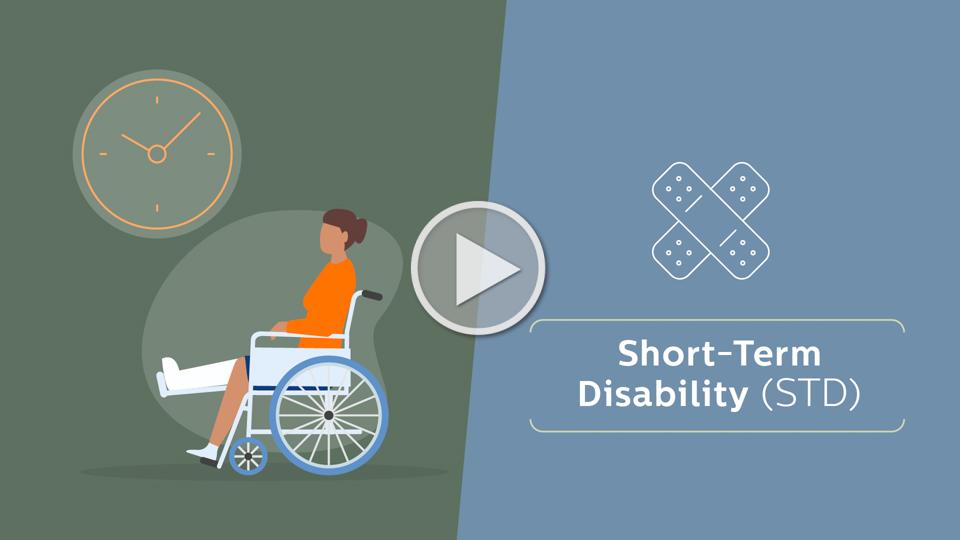
This employer-paid benefit covers everyday illnesses or injuries can interfere with your ability to work. Even a few weeks away from work can make it difficult to manage household costs.
This employer paid Short Term Disability coverage provides financial protection for you by paying a portion of your income, so you can focus on getting better and worry less about keeping up with your bills.
- Elimination Period - Benefits begin on the 8th day of an injury or illness.
- Benefit Duration - Payments may last up to 12 weeks (You must be sick or disabled for the duration of the waiting period before you can receive a benefit payment).
- Coverage Amount - Covers 60% of your weekly income, up to a maximum benefit of $1,500 per week.
Long-Term Disability
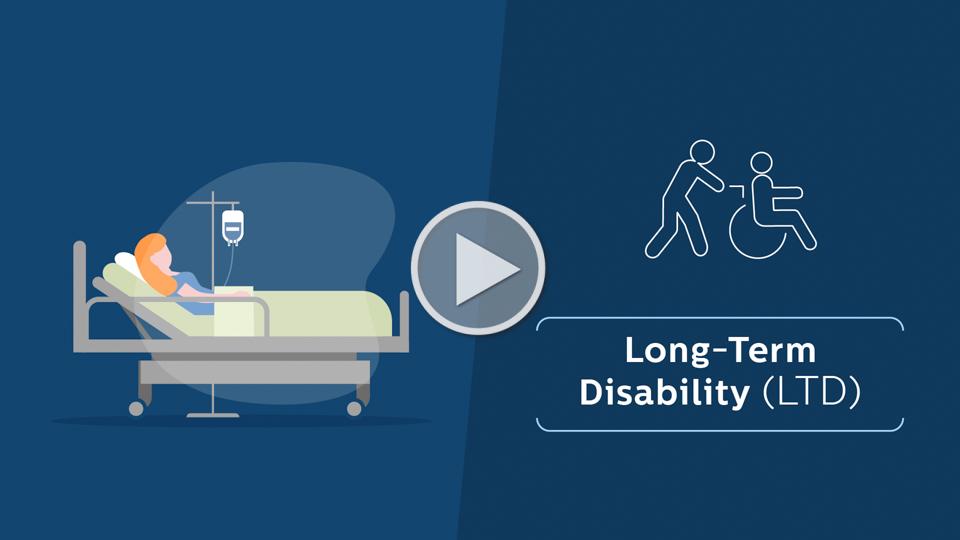
This employer-paid coverage pays a monthly benefit if you have a covered illness or injury and you can't work for a few months - or even longer! You're generally considered disabled if you're unable to do important parts of your job - and your income suffers as a result.
- Elimination Period - Benefits begin on the 91st day of an injury or illness.
- Benefit Duration - Payments may last up to Social Security Normal Retirement Age (SSNRA) (You must be sick or disabled for the duration of the waiting period before you can receive a benefit payment).
- Coverage Amount - Covers 60% of your monthly income, up to a maximum benefit of $5,000 per month.
WORKSITE BENEFITS
Accident Insurance
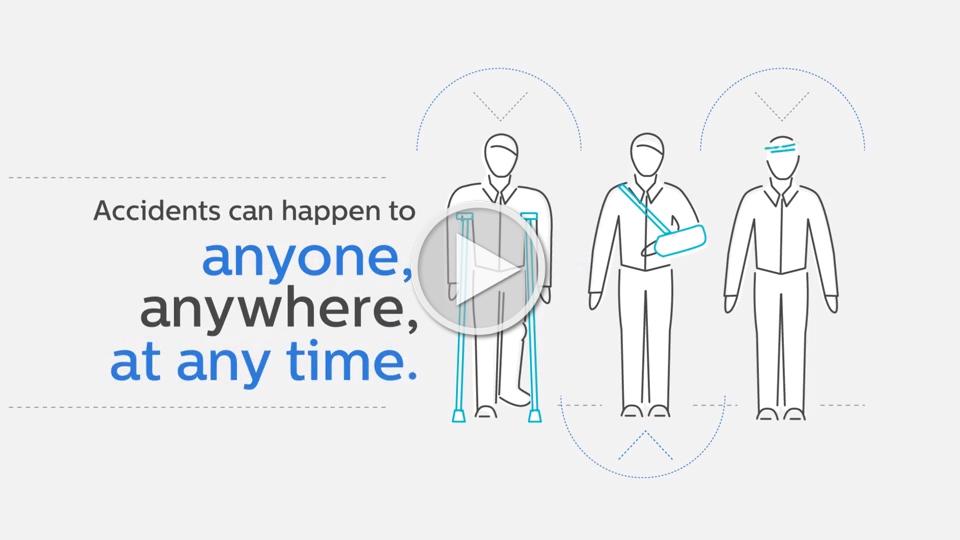
A serious injury can cost you a lot of money – not only in medical bills but in things like income from lost work hours. Some injuries are minor, but others are debilitating and require significant medical care. If you get hurt, accident insurance pays you money that you can use to cover personal expenses, bills, and out-of-pocket medical costs. Accident Insurance can pay a set benefit amount based on the type of injury you have and the type of treatment you need. It covers accidents that occur on and off the job. And it includes a range of incidents, from common injuries to more serious events
What Does it Cover?
- This plan pays a benefit for things like fractures, dislocations, burns, concussions, lacerations, ambulance rides, hospital admissions, surgeries, therapy, and even chiropractic services; just to name a few! Accident insurance will not typically cover things like check-ups or hospitalization due to illness. Accident insurance will not cover you for injuries suffered before you purchased the plan.
Critical Illness Insurance
When a serious illness strikes, your finances can be endangered, along with your health. Even if you have health insurance, the out-of-pocket costs of treatment, hospitalization and missing work can add up fast. Critical Illness Insurance can help you weather a crisis without draining your savings.
What Does it Cover?
- This plan pays a benefit if you are diagnosed with heart attack, stroke, blindness, major organ failure, end-stage kidney failure, coma, cancer, and more.
Who Gets Paid?
- You get paid! When you are paid a benefit from any of these worksite policies, your health insurance company pays your doctor or hospital, but your BCBS Worksite insurance pays you. You can use the money however you want.
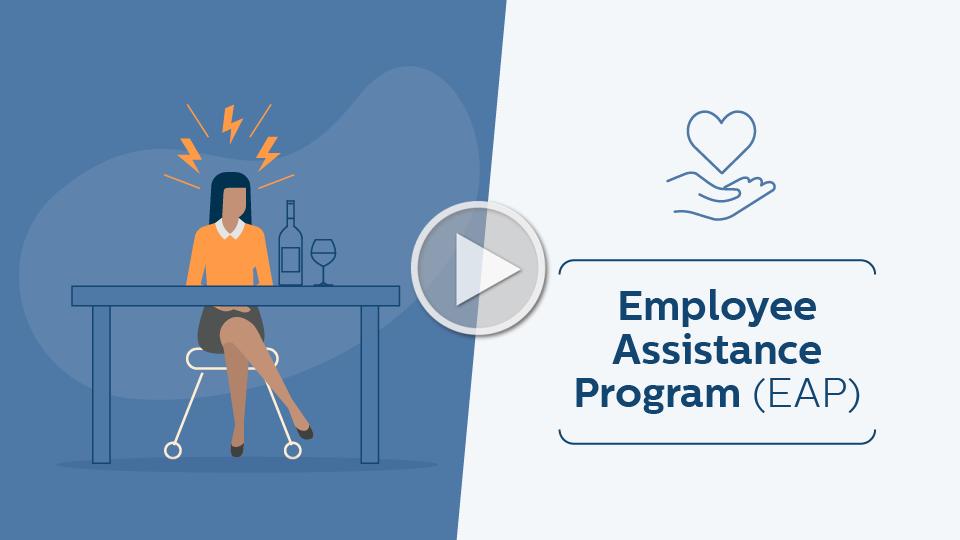
EMPLOYEE ASSISTANCE PROGRAM (EAP)
GuidanceResources® Online offers web-based services designed to help address the personal concerns and life issues you may be facing. Whether it’s depression, alcohol and drug abuse, or grief and loss, these services are available to you and members of your family at no cost—24 hours a day, 7 days a week.
Guide to using GuidanceResources.com:
- On the GuidanceResources.com home page, click on the tab at the top labeled “Register.”
- Enter your company ID: DISRES. Create a username and password. The username has to be at least six characters long and should have no spaces (for example: joesmith). Make sure that you complete all required fields, noted with red asterisks.
- Read the Terms of Use and click inside the checkbox to indicate your agreement to those terms.
- When you’ve finished, click on the “Submit” button at the bottom of the page.

If you have any problems logging in, you can contact: memberservices@guidanceresources.com or (877)-595-5289.